
Handbook
Typical page content
The handbook for typical page content in TYPO3 support editors in the creation and maintenance of websites for the University of Vienna.
They describe the most common content elements and basic editing steps. The aim is to ensure a uniform and accessible design of the content and to facilitate its use in everyday editorial work.
-
Text & Media element
Use the Text & Media content element to display continuous text, images, and/or videos.

-
Gallery & Slider element
Use the Gallery & Slider content element to present images and videos from the file list in an appealing way.

-
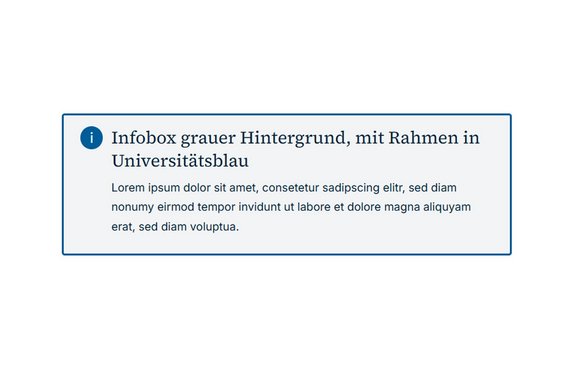
Infobox element
The content element Infobox is suitable for information that you want to draw particular attention to.
-
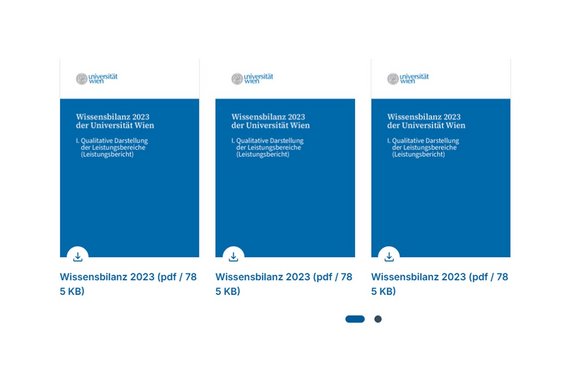
Downloads element
Use the Downloads content element to provide files (e.g., PDFs or images) for users.
-
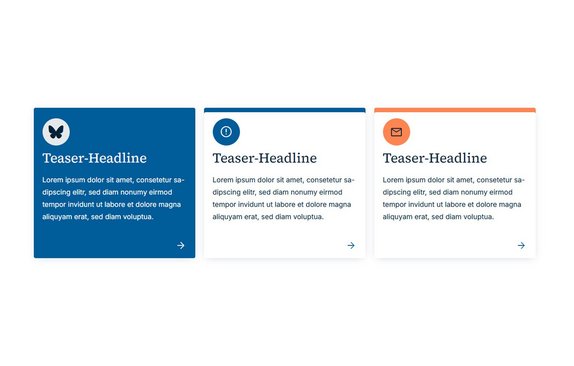
Teaser element
Use the Teaser content element to highlight additional content.
-
Table
Use the Table content element to display data in a structured manner in multiple columns and rows.

Special elements
The guide for special content elements in TYPO3 supports editors in the creation and maintenance of websites for the University of Vienna.
It describes advanced content elements and the basic steps for editing them. The aim is to ensure a uniform and accessible design for these elements and to facilitate their use in everyday editorial work.
-
Highlight-Banner
Use the Highlight Banner content element to highlight important information or campaigns.

-
Accordion
Use the accordion content element to display extensive content or FAQs in a clear and space-saving manner.

-
Contact box
Use the Contact Box content element to clearly display the contact details of a person or organization.

-
Media Echo
Use the Media Echo content element to present press or media reports in a compact teaser format.

-
Social Media & Podcast
Use the Social Media & Podcast content element to store links to social media channels, podcasts, or blogs.

-
Shortfacts
Use the content element Shortfacts to present key information, key figures, or features in a compact format.

-
Quotes
Use the Quote content element to present quotes in an appealing and visible way on the website.

-
Call to Action
Use the Call to Action content element to specifically motivate visitors to perform a certain action (e.g., to register).

-
Facts & Figures
Use the Facts & Figures content element to present important key figures, statistical values, or brief, concise information in a graphically appealing way.

-
Insert records
Use the Insert Data Records content element to display existing content elements in multiple locations on the website without duplicating them.
-
Teaser Banner element
Use the Teaser Banner content element to clearly display links for your various target groups.

-
Recent Topics Teaser
Use the content element Recent Topics Teaser to highlight current information, for example.

-
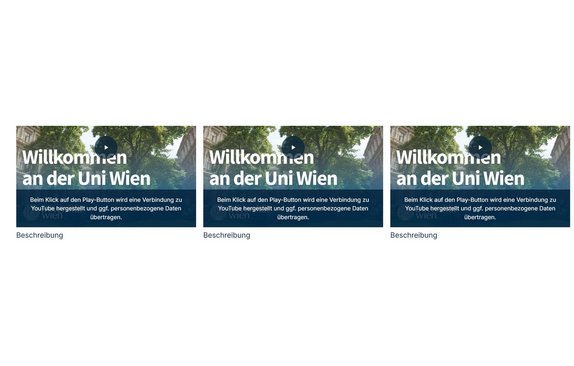
Video Teaser element
Nutzen Sie das Inhaltselement Video Teaser, um Videos (z. B. über YouTube) auf Ihrer Seite einzubinden.
News System
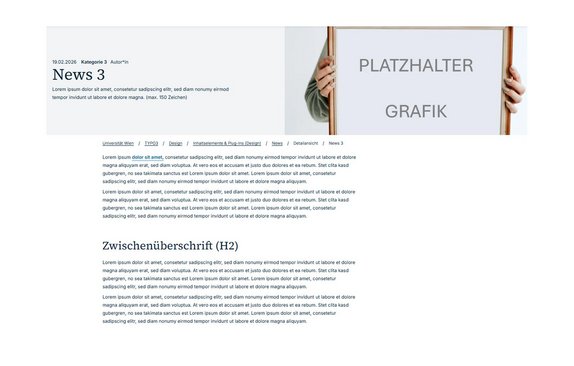
With the News System in TYPO3, you can display the latest news and events on your website. Content is created in the form of articles and automatically displayed on the website as a list, in a detail view, or via category filters. This makes the system particularly well-suited for sections where new content is published regularly.


-
Powermail forms
With the content element Form Powermail, forms can be directly integrated into a page.

-
University of Vienna staff list
The UniWien staff list plug-in automatically integrates current employee data from the central catalogue u:find into TYPO3 pages.

-
PHAIDRA Plug-In
The plug-in enables the integration of freely accessible digital objects from Phaidra, e.g., texts, publications, images, and audio and video files.

-
Maps2
Use the Maps2 content element to clearly display one or more locations using markers on an interactive map.


Support services
-
TYPO3 Service Desk
If you have technical or content-related questions that are not covered by the TYPO3 user guides, please submit a ticket to the Service Desk.
-
Feedback on instructions
Do you have any comments or feedback on the user guides? We would be delighted to receive your feedback by e-mail.